
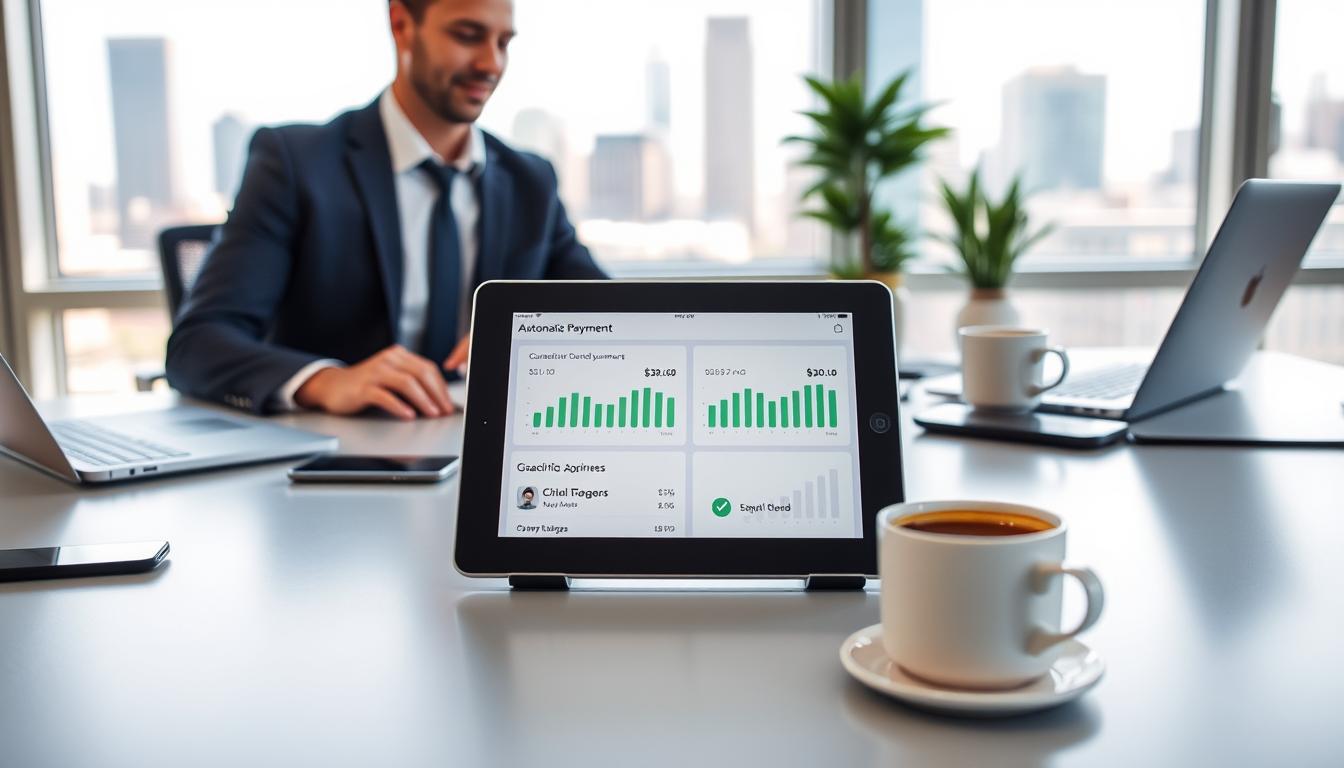
Learn How to Automate Your Entire Financial Life

Set up an automatic system and you will cut missed bills, protect credit, and reclaim hours each month. A few minutes of setup can keep payments, transfers, and savings moving without daily effort. Behavioral finance shows people follow plans better when tasks run out of sight. Banks, billers, and apps like Mint,
YNAB, and Rocket Money make this simple. Align settings with your pay cycle and check them now and then.
This short guide gives a clear, practical overview of why automation is a proven way to streamline finances and free time without losing visibility. You will see which account and accounts to prioritize, how to sequence deposits and payments, and how the plan scales as goals change.
Key Takeaways
- Automatic payments lower late fees and protect credit.
- A simple plan moves money toward savings, debt, and retirement.
- Use bank bill pay and budgeting apps for fast setup and light maintenance.
- Start with core accounts and scale the system as goals shift.
- Review settings periodically to keep contributions and due dates optimized.
- Small, repeatable steps free mental bandwidth for bigger financial choices.
Why automation saves you time, money, and stress
Automation cuts repetitive tasks so you spend less time managing bills and more time on priorities. Letting scheduled payments run reduces the number of manual steps you perform each month.
Behavioral advantage: when contributions happen without daily reminders, people stick with savings and debt paydown plans. Payment history counts for about 35% of most credit models, so on‑time transactions protect your credit and credit score.
You also avoid late fees and interest from missed bills. Fewer missed due dates means fewer surprise fees and less back-and-forth with service providers and accounts.
- You spend less time moving money and checking multiple accounts.
- You lower the chance of human error across logins and due dates.
- You keep payment history positive, which supports long‑term credit standing.
Quick comparison of benefits
| Benefit | Effect on credit | Estimated monthly time saved |
| On-time payments | Improves payment history, helps credit score | 30–60 minutes |
| Automatic transfers to savings | Neutral to positive (reduces missed obligations) | 10–20 minutes |
| Consolidated bill workflows | Fewer missed payments across accounts | 20–40 minutes |
For more detail on why setting up scheduled payments is a smart move, read this short guide at smart move.
How to automate your entire financial life
Set a predictable flow: income lands, scheduled moves trigger, then obligations clear. That sequence keeps cash working and reduces last‑minute scrambles.
Set automatic payments to eliminate late fees and protect your credit score
Start with recurring charges in each provider’s portal or your bank. Turn on automatic payments and confirm the linked account and payment date.
"Consistent on‑time payments are the simplest way to protect payment history."
Use set automatic rules for essentials first: mortgage or rent, utilities, and core subscriptions. This removes manual steps that cause oversights and late fees.
Sequence your automation: align bill dates with paycheck direct deposits
Anchor the schedule to your direct deposit date. When your deposit posts, have the checking account keep a small buffer, then route same‑ or next‑day transfers to savings, debt, and investments.
- Log your employer’s pay frequency and deposit timing.
- Adjust due dates with providers to cluster bills after your deposit.
- Mid‑cycle transfers can smooth cash flow between deposits.
- Standardize the sequence across each account so month‑end reviews are easy.
Put bills on autopilot: credit cards, mortgage or rent, utilities, and more
Put recurring obligations on a predictable schedule so bills clear without last‑minute scrambling.
Autopay with each provider vs. using your bank’s bill pay
Many providers let you set up autopay quickly from the Account or Payments tab. Some even offer small discounts for enrollment.
A bank bill pay centralizes payments in one dashboard and can mail checks to providers that lack a portal. Confirm postal lead times and expected posting windows so a mailed payment arrives before the due date.
Best practices to avoid overdrafts and surprise fees
Keep a simple ledger listing which account pays each bill. That way you know where cash must sit before payments post.
- Set autopay for major obligations: credit card, mortgage or rent, utilities, and insurance.
- Maintain a small buffer in your bank account to absorb timing shifts and weekend posting.
- Verify mailing and posting lead times to avoid late fees when you use bill pay services.
Review and prune subscriptions and recurring services
Run a quarterly check for unused services. Tools like Rocket Money can flag trials or dormant subscriptions so you cancel wasteful charges.
Track card statements after autopay posts to confirm full statement payment for your credit card and protect rewards and interest benefits.
"Small, regular reviews cut waste and keep accounts aligned with paydays."
Automate savings first: checking-to-savings transfers and emergency fund
Let a next-day transfer move money out of checking so saving is a default, not an afterthought.
Pay yourself first by scheduling a next-day transfer after each deposit. Move a preset amount from your checking account into a high-yield savings account. This makes saving predictable and prevents impulse spending.
Use an online high-yield option that is FDIC insured and easy to link with your bank. Review rates periodically and compare providers so idle cash earns more.
Build an emergency fund with recurring transfers. Aim for 3–6 months of essential expenses, but start small if needed. Increase the amount after raises or when other obligations end.
| Timing | Account type | Suggested deposit |
| Next business day after paycheck | High-yield savings | Fixed amount or % of deposit |
| Monthly top-up | Separate goal sub-account | Small, automated increments |
| Quarterly review | Checking / savings | Adjust for goals and cash flow |
"Scheduling transfers makes steady progress visible and reliable."
Automate debt payoff and retirement contributions
Align pay cycles so extra loan payments and retirement contributions trigger soon after income posts.
Schedule an extra mid-cycle payment on higher-interest loans. An added payment often applies directly to principal and speeds payoff. Confirm servicer rules first so the payment is allocated correctly and there are no prepayment penalties.
Set a recurring 401(k) percentage with each paycheck and enable a 1% annual auto-increase if offered. That small step raises savings steadily and helps you capture any employer match, which is an immediate return on contributions.
Outside a workplace plan, automate monthly transfers into an IRA or other retirement account. Regular, modest deposits keep contributions consistent through the year and smooth tax-season work.
Coordinate direct deposit and transfers so retirement and savings funds move first, then remaining income funds bills and discretionary spending. Review the plan annually and adjust the amount for income changes, limits, and goals.
"Small, scheduled contributions and targeted extra payments let debt reduction and wealth building run in parallel."
- Schedule mid-cycle payments for faster principal reduction; verify allocation rules.
- Set recurring retirement contributions and consider annual auto-increases.
- Capture employer match by contributing the required percentage each pay period.
- Automate IRA transfers if you lack workplace services and review yearly.
Track and tune automatically: budgets, accounts, and alerts
A dashboard that shows checking, savings, and card balances helps you steer spending. Link your bank account, checking, savings, and each credit card to a budgeting app like Mint, YNAB, or Rocket Money. That live view makes upcoming payments and balances obvious.
Connect checking, savings, and credit card accounts to a budgeting app
Link every account so the app displays real-time balances and pending transactions. You get a unified snapshot across accounts and cards.
Use real-time categorization to manage spending and upcoming bills
Enable rule-based categories and tag regular bills. The app flags unusual spending and shows upcoming payment dates before a charge posts.
Set calendar reminders to review rates, limits, and contribution amounts
Use simple calendar alerts for rate checks, contribution limits, and annual account reviews. These reminders help you avoid surprise fees and keep the plan current.
Periodic audits: due dates, transfers, and cash buffers
- Connect checking, savings, and each credit card account so dashboards show balances and upcoming payment dates.
- Manage spending with categorization and alerts that warn before fees or missed payments.
- Run a quarterly audit of due dates, transfer timing, and cash buffers to match pay cycles.
- Track recurring services and cancel or renegotiate where usage falls.
- Document adjustments in a simple log so future reviews are faster.
"Small, regular checks keep accounts aligned and prevent costly surprises."
Conclusion
Close the loop by building a steady routine where direct deposit lands, preset transfers fund savings and retirement, then automatic payments clear mortgage, rent, and weekly bills.
That order helps you avoid late fees and keeps each account visible in a budgeting app. Keep a buffer in your checking account and review contribution amounts after income changes.
Small annual audits—check rates on savings accounts, confirm payment dates for a credit card and mortgage, and rebalance transfers—let this system stay flexible while saving you time and money.
0 Comments
Be the first to share your thoughts on this article.